AI-Powered Fashion Studio

One AI Platform. Concept to Launch.

Turn your concept into product mockups, manufacturer-ready tech packs, launch-ready visuals, and more — in one session. No delays. No team. No guesswork.

No card required. · Cancel anytime.
Hand-drawn flat sketch of a garment before AI rendering The same sketch rendered as a photoreal product image by Opus Designr SKETCH → DESIGN
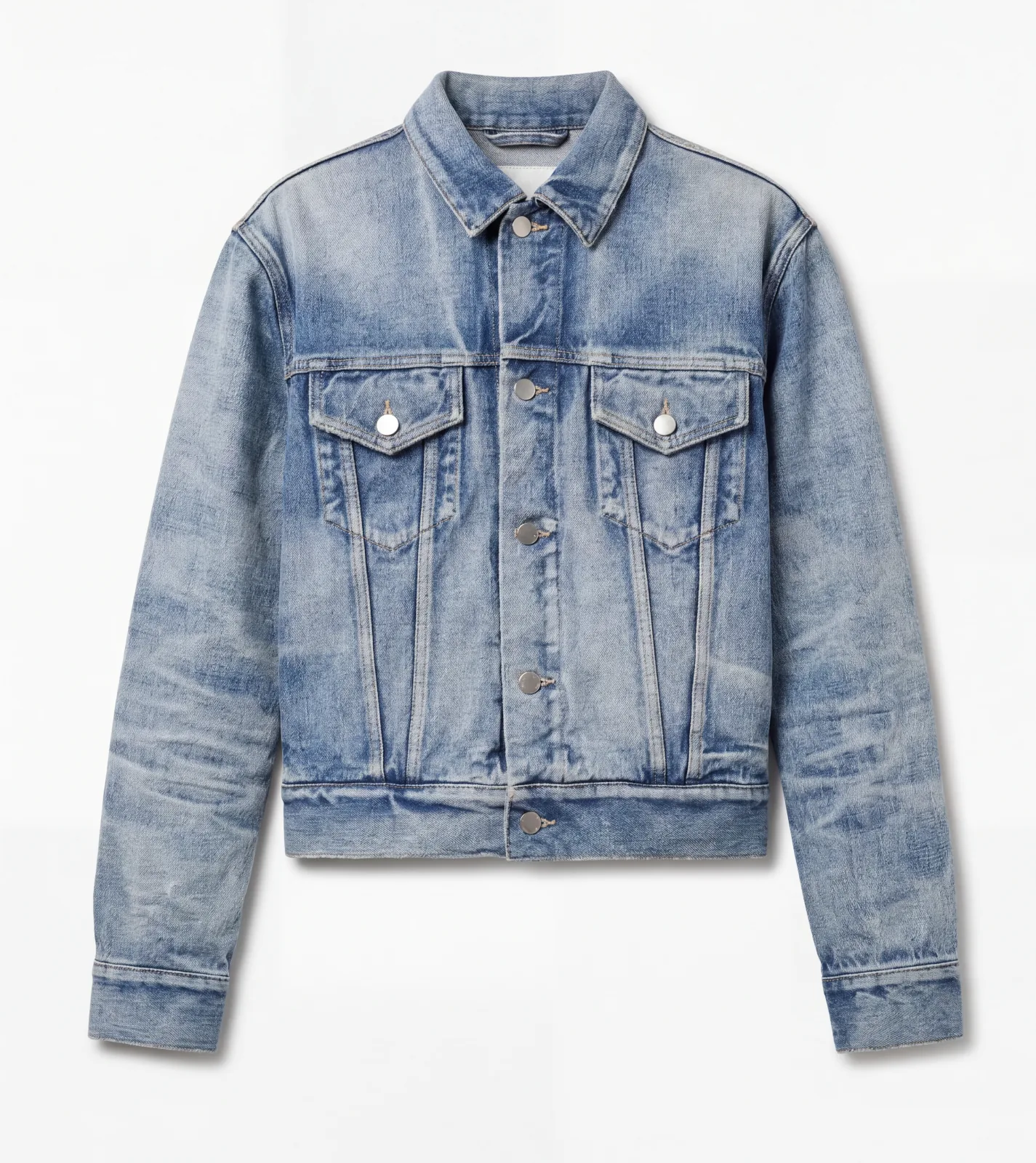
Product photo of a garment on a hanger The same garment shown as a clean ghost mannequin flat-lay GHOST MANNEQUIN
A blank garment ready for a model try-on The garment worn by an AI-generated model in an editorial setting MODEL TRY-ON
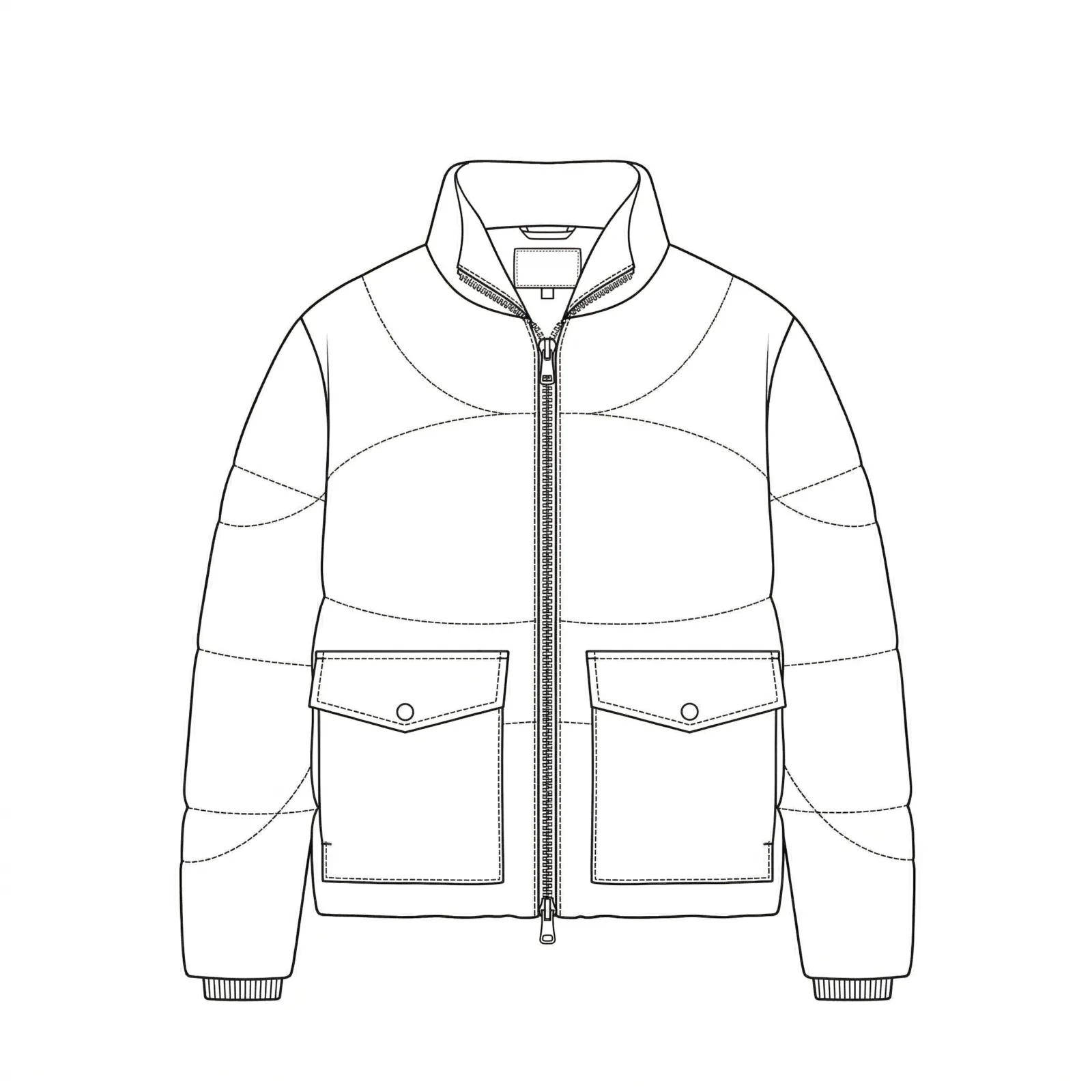
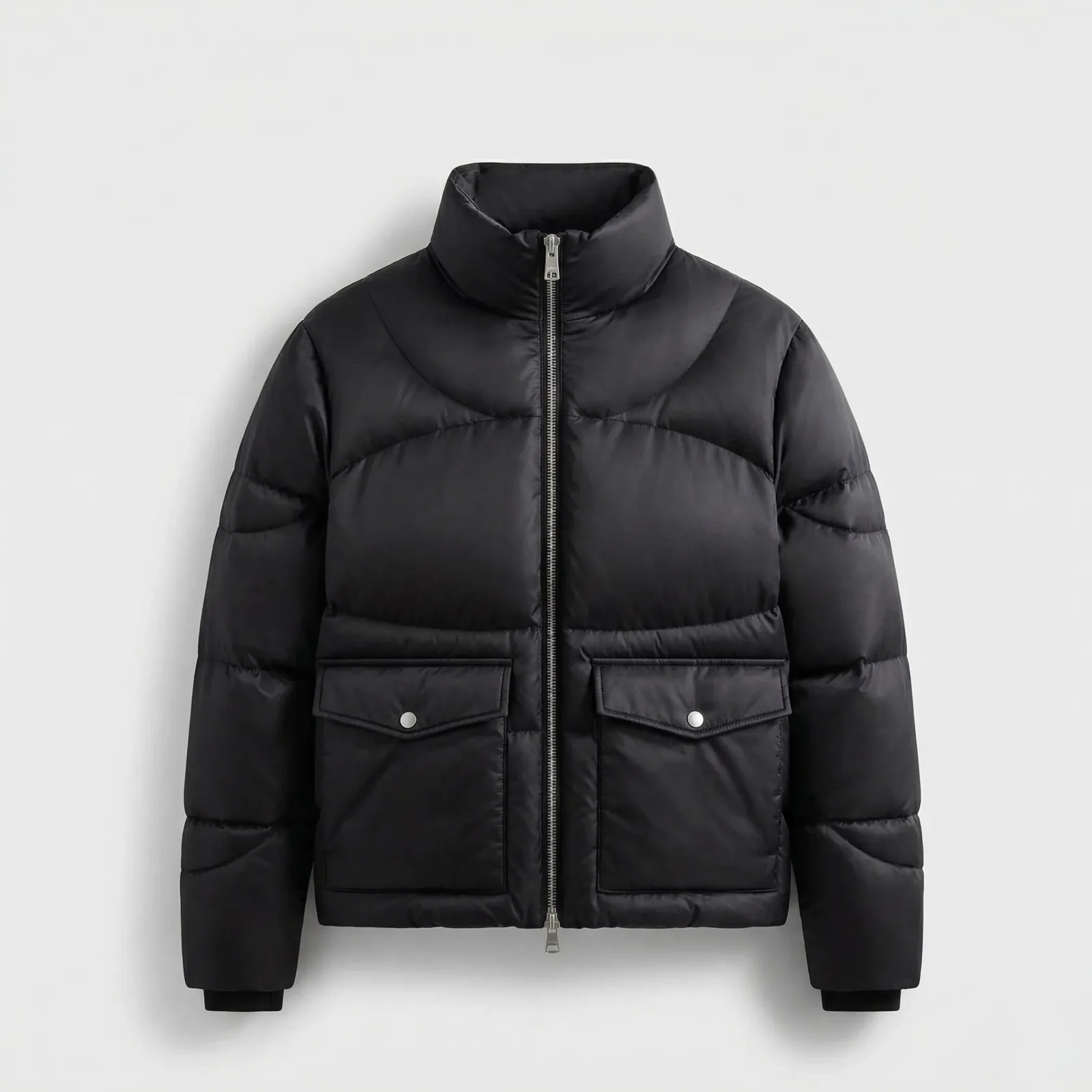
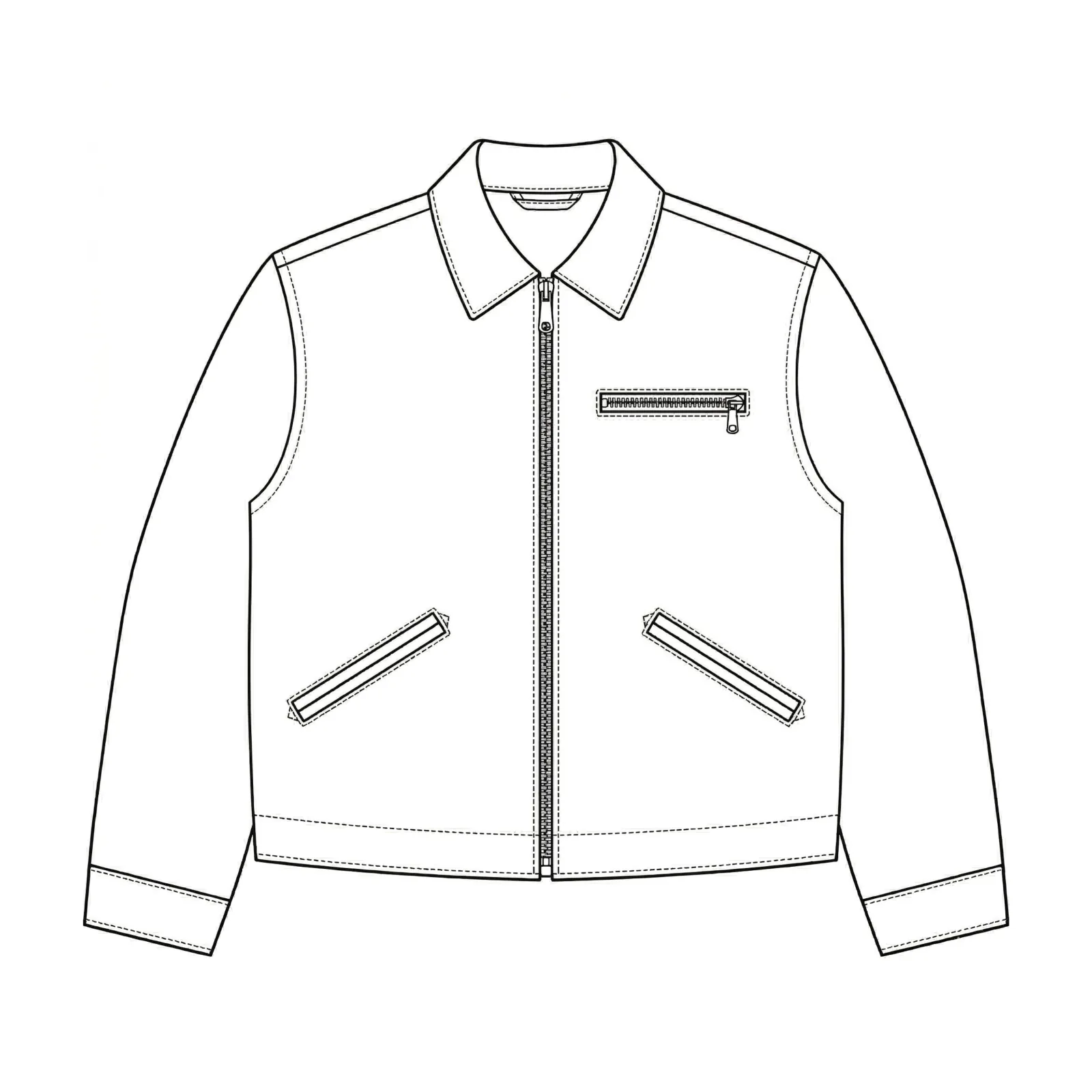
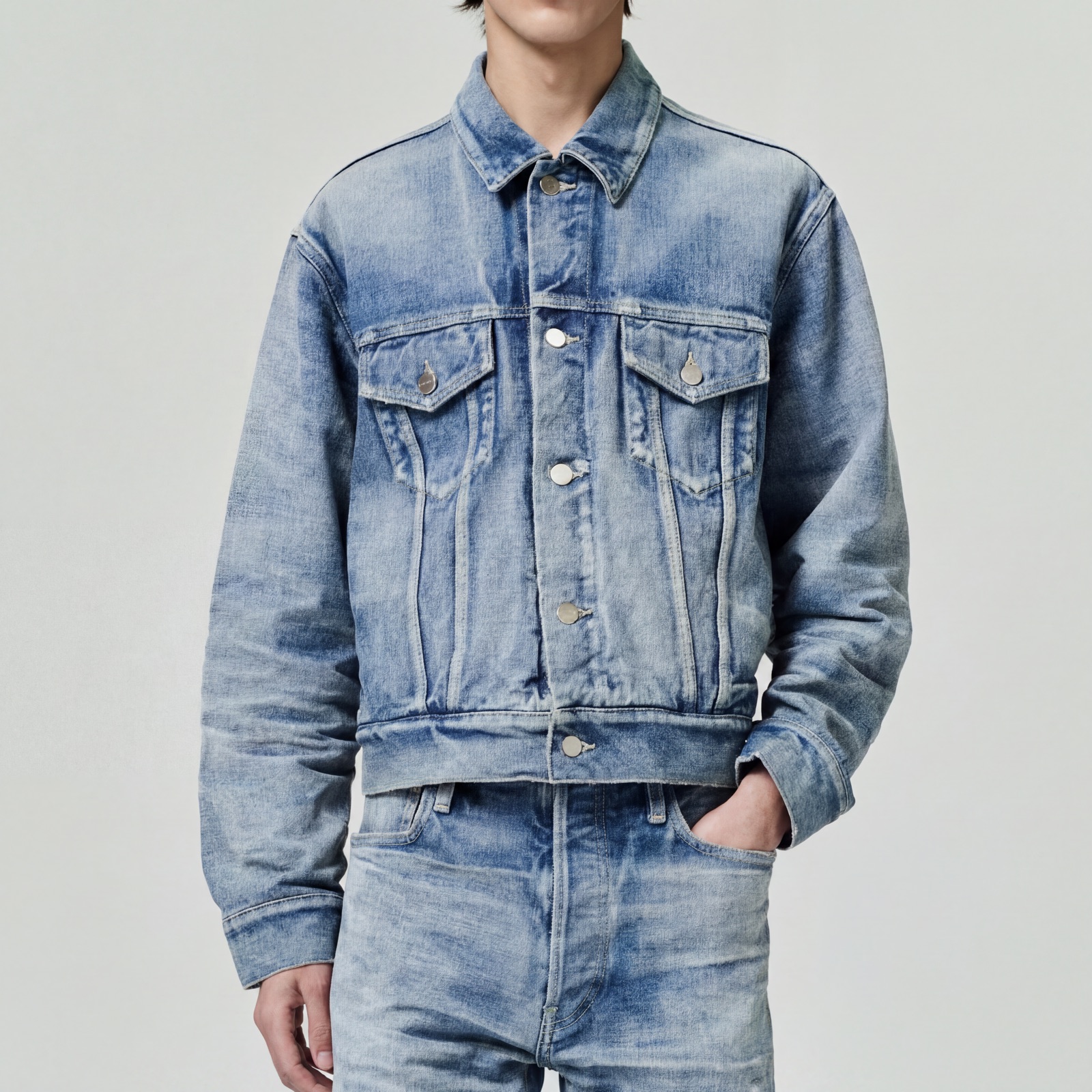
Simple line sketch of a jacket The same jacket rendered as a photoreal production-grade image AI RENDER
Isolated garment laid flat before AI Visual Studio rendering Campaign-grade image of the garment worn on an AI-generated model AI VISUAL STUDIO
Photograph of a garment before being converted to a flat sketch The same garment auto-traced into a clean technical flat sketch IMG → SKETCH
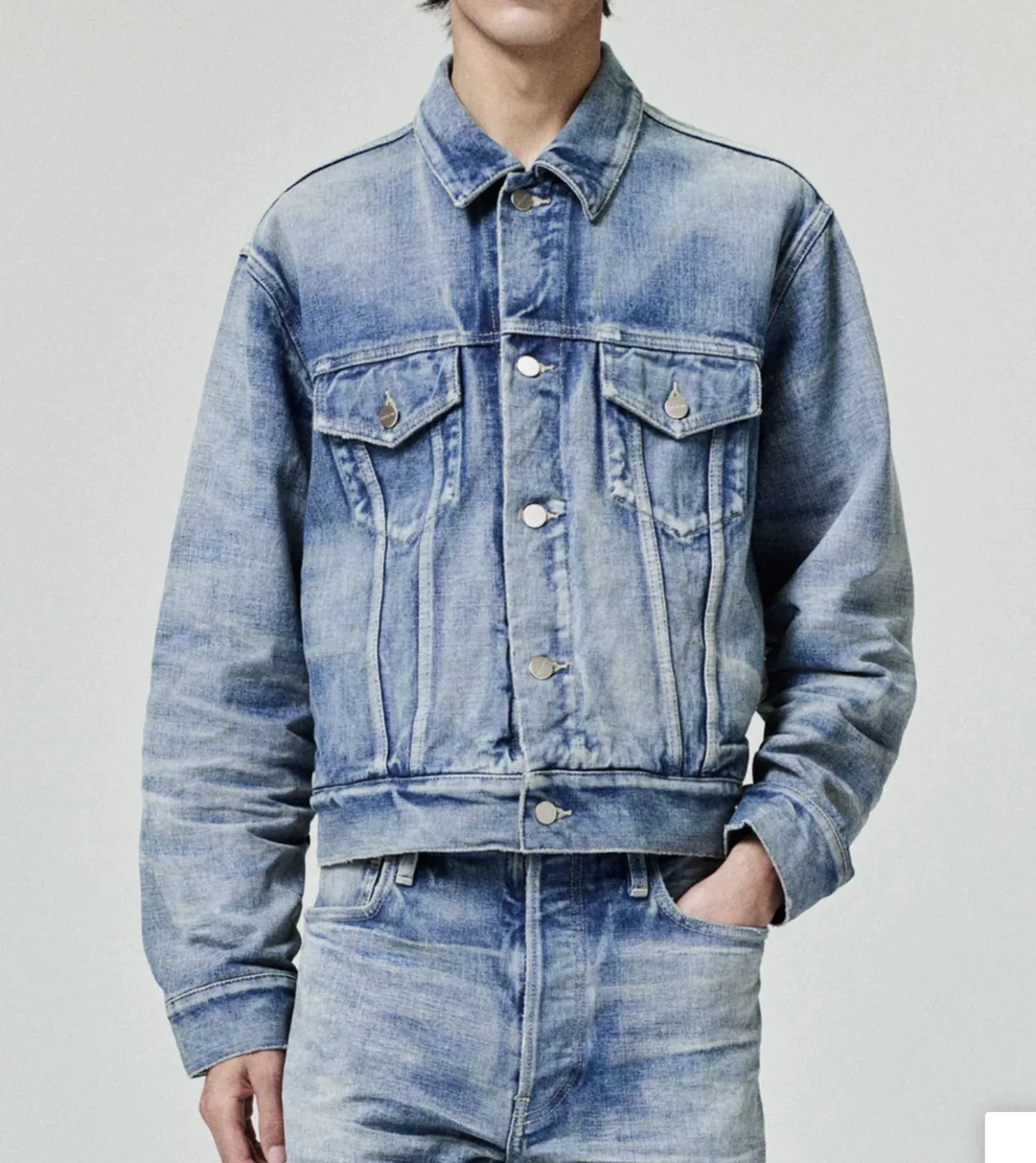
Reference photo of the base garment color An alternate colorway variant of the same garment generated by Opus COLORWAY
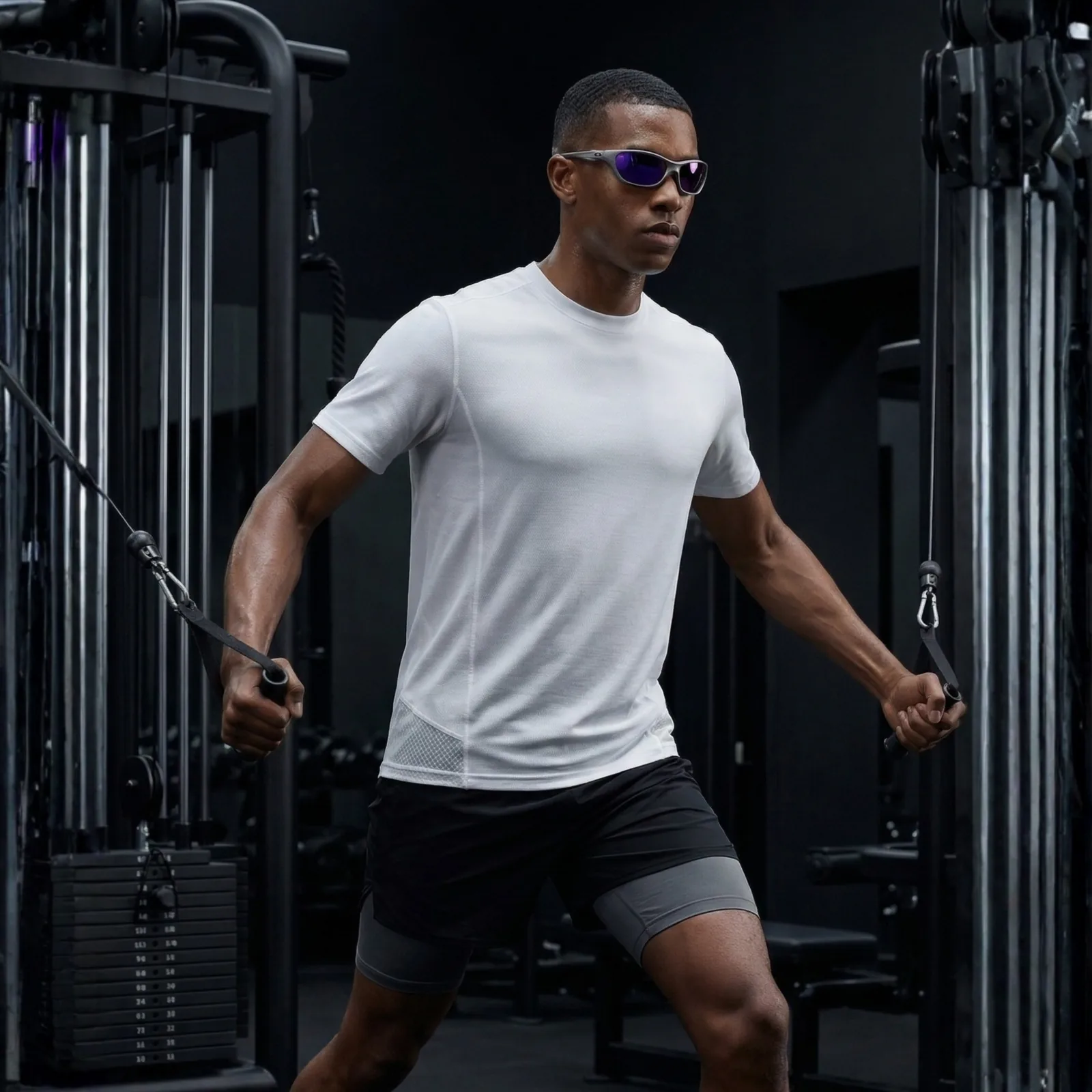
Standalone product image prior to on-model composition The garment shown worn by an AI-generated on-model subject ON MODEL
01 /
15K
Customers
trust Opus
02 /
−80%
Studio cost
per collection
03 /
10×
Faster turnaround
vs traditional
04 /
1
AI-powered
fashion platform
Used by brands seen in:
COMPLEX HYPEBEAST HIGHSNOBIETY GQ
AI Visual Studio

Every Workflow.
One AI Studio.

Drop in a garment, cast a model, dial the scene — and get back a launch-ready campaign image. No shoot day, no retouching, no limits.

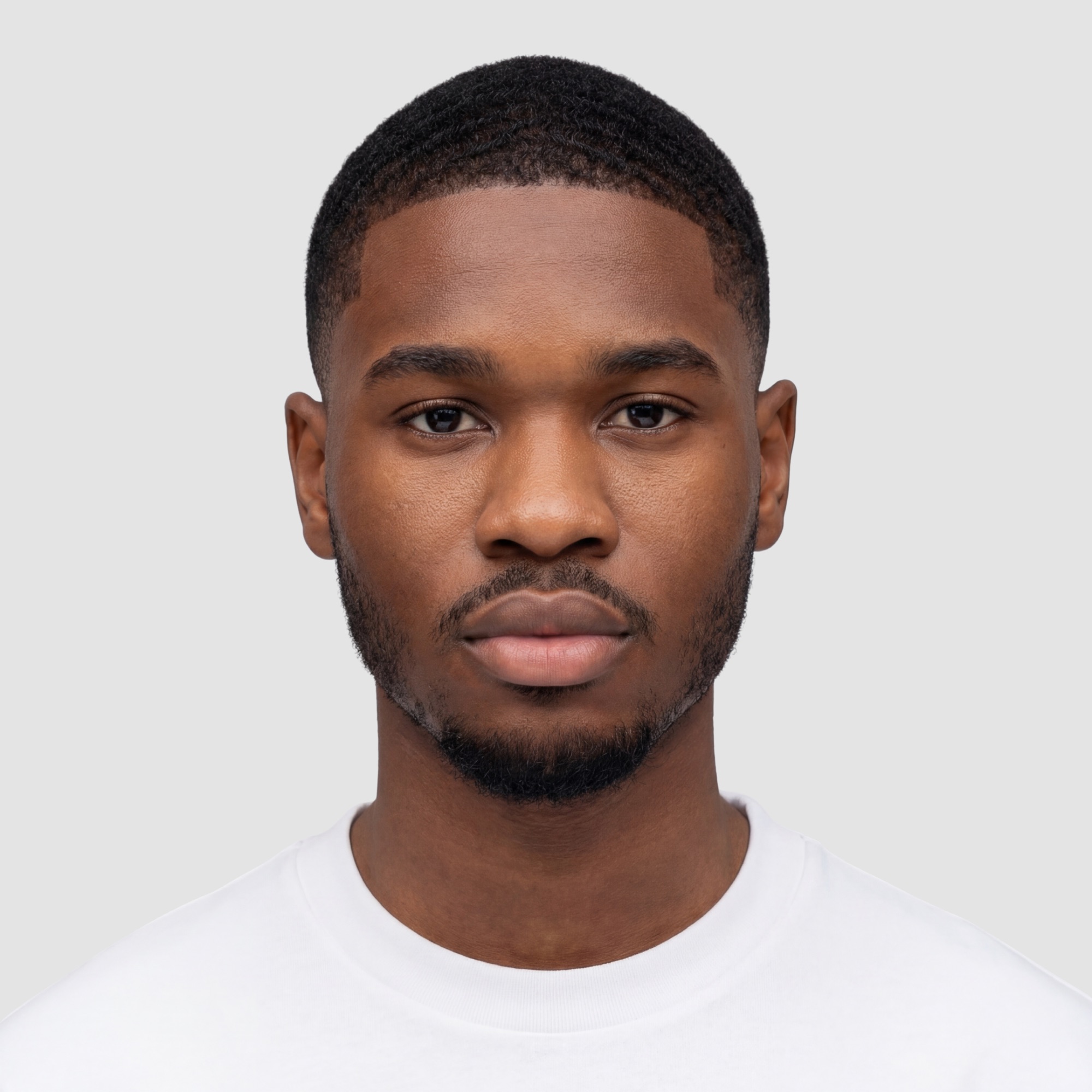
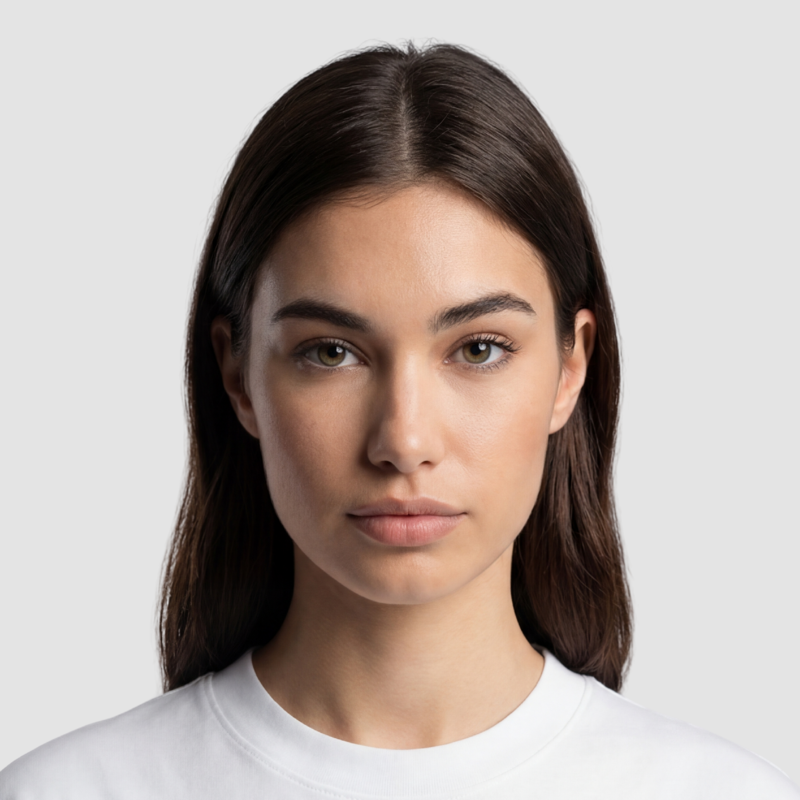
AI model reference portrait Front-view reference photo of the garment Model Front
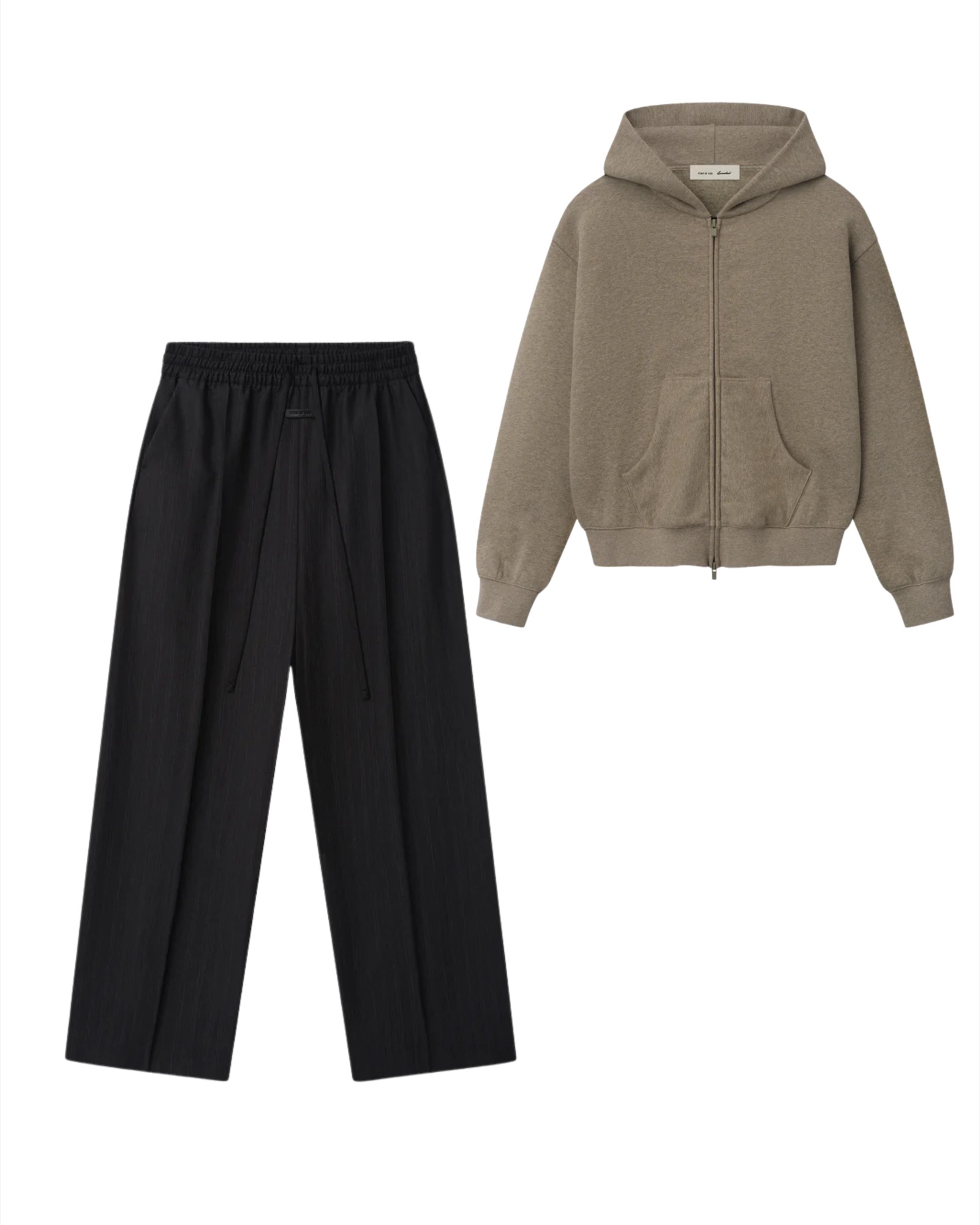
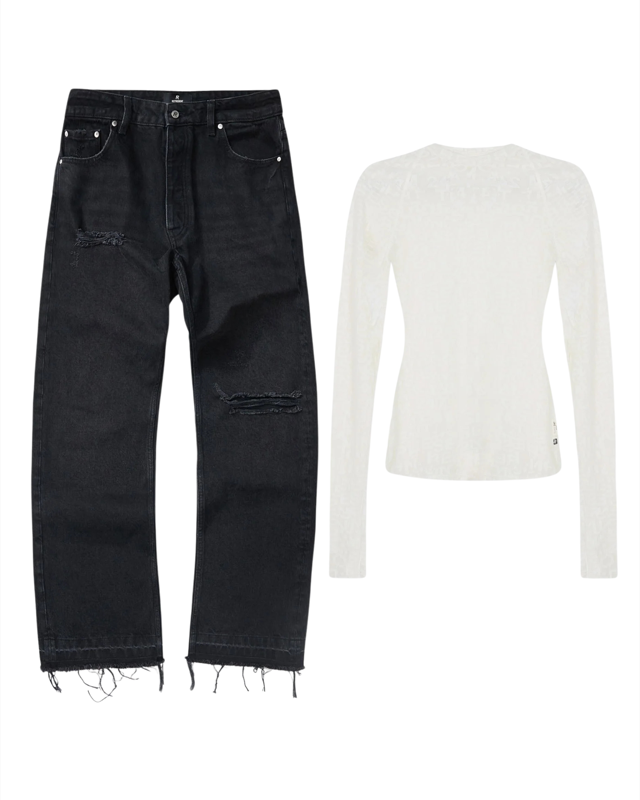
Garment reference — hooded zip-up + trousers flat lay Back-view reference photo of the garment Outfit Back
LIVE PREVIEW
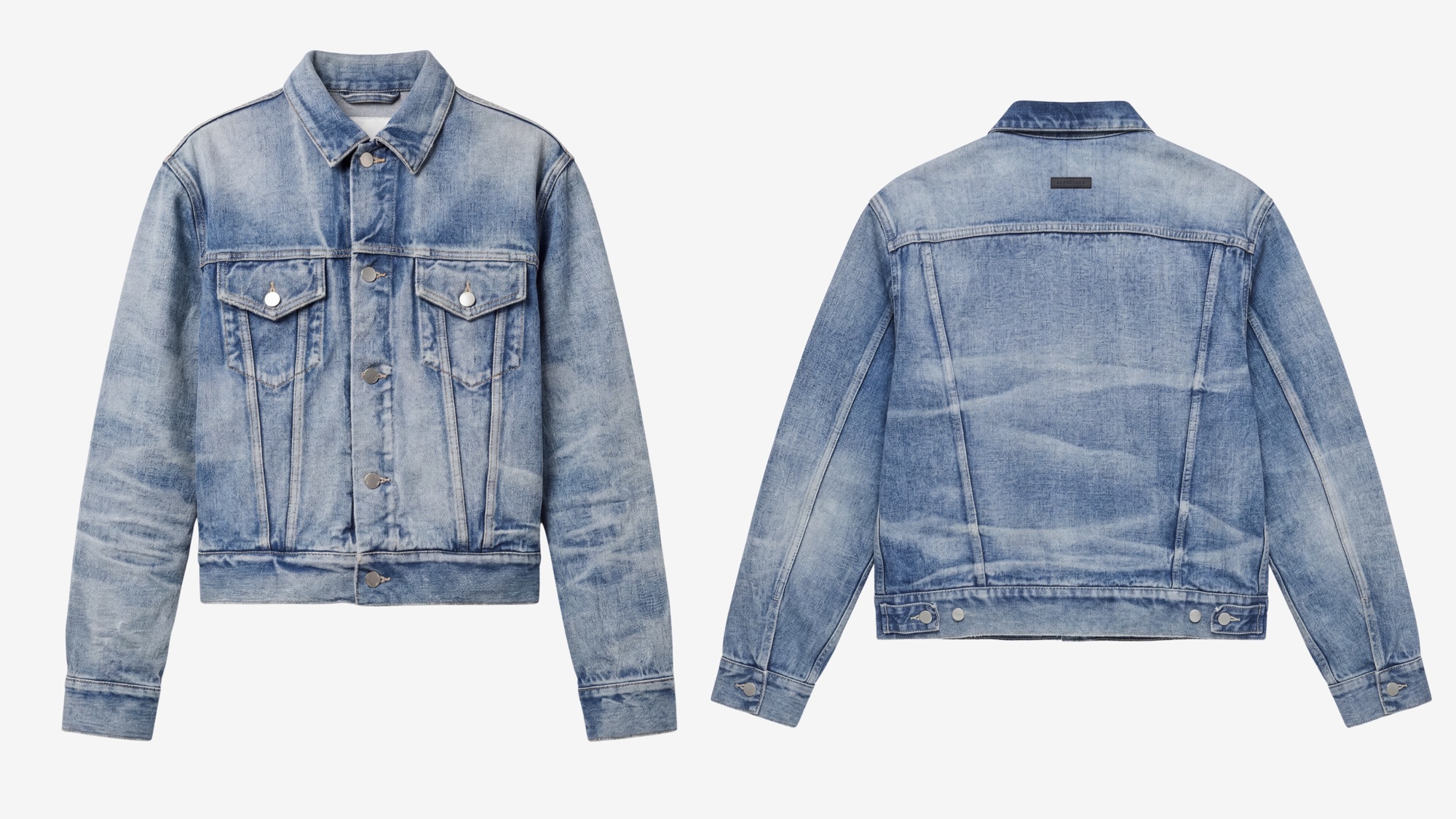
Model Try-On preview — AI model wearing the selected outfit on set Flat Lay preview — clean studio front + back pair of the selected garment
01

Pick Any Garment.

Upload a sketch, a render, or a real photo. Drop it into the canvas and it's ready to wear.

02

Dress Any Model.

Swap between poses and body types. No shoot days, no retouching, no re-shoots.

03

Pick Your Setting.

Studio seamless, city street, editorial scene. Match the garment to the mood — every shot, on brand.

04

Export For Anywhere.

PNG for campaigns, PDF for lookbooks, full res for print — all in one click.

AI Design Studio

Full Technical Design Workflow.
All In One Tool.

From a reference photo to a factory-ready tech pack — every step a designer walks between idea and production, in one workflow.

PHOTO → FLAT ▶ LOOP

Any Input In. Clean Flat Sketch Out.

Drop in an iPhone shot, a website screenshot, a scanned drawing — and get back a clean, vector-grade flat sketch you can annotate, colorway and send straight to production. Start the workflow with whatever you've got.

  • iPhone, web, scanned and PDF inputs
  • Editable vector flats ready for spec work
  • Auto front, back and side views
VISUALIZE ▶ LOOP

Every Asset To Visualize Your Design. Generated By AI.

Don't let missing visuals stall approval. Generate photoreal renders, ghost mannequin shots, colorway variants and on-model looks — right alongside your specs. Show stakeholders the finished piece before a sample exists.

  • Photoreal renders, ghost mannequin & on-model visuals
  • True-to-fabric color, trim and texture accuracy
  • Auto-populate tech pack pages with generated assets
TECH PACK BUILDER ▶ LOOP

Build A Full Factory-Ready Tech Pack. Fast.

An industry-grade builder with pre-built spec fields, POM line tools and AI-assisted population. What used to take a week of back-and-forth now ships in an afternoon — cutting design timelines, freelancer spend and sampling costs out of the equation.

  • Up to 10× faster than manual tech pack workflows
  • Pre-mapped inputs, POM lines & auto-fill
  • Send-once output — fewer rounds, lower sampling costs
AI Engine Results

See The Detail.

Drag across each tile to reveal the AI output.

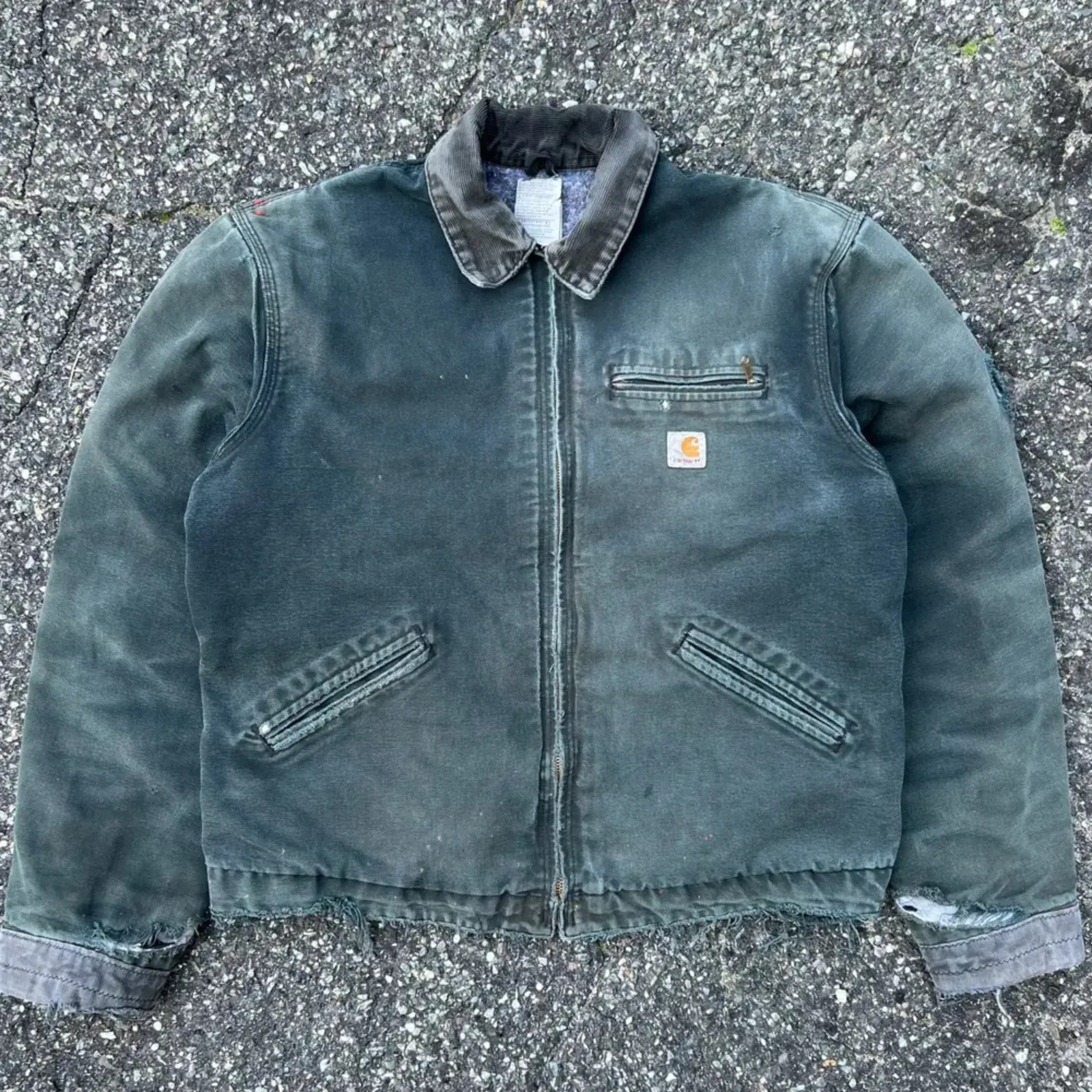
Before: garment shot on asphalt with uneven lighting After: clean studio-grade flat lay on white seamless BEFORE AFTER IMG → FLAT LAY
Before: hand-drawn sketch After: photorealistic render SKETCH RENDER SKETCH → DESIGN
Before: garments + model reference laid out separately for AI try-on After: model wearing the generated outfit in a clean studio scene INPUT TRY-ON AI VISUAL STUDIO
Before: product photo After: flat sketch output PHOTO FLAT IMG → SKETCH
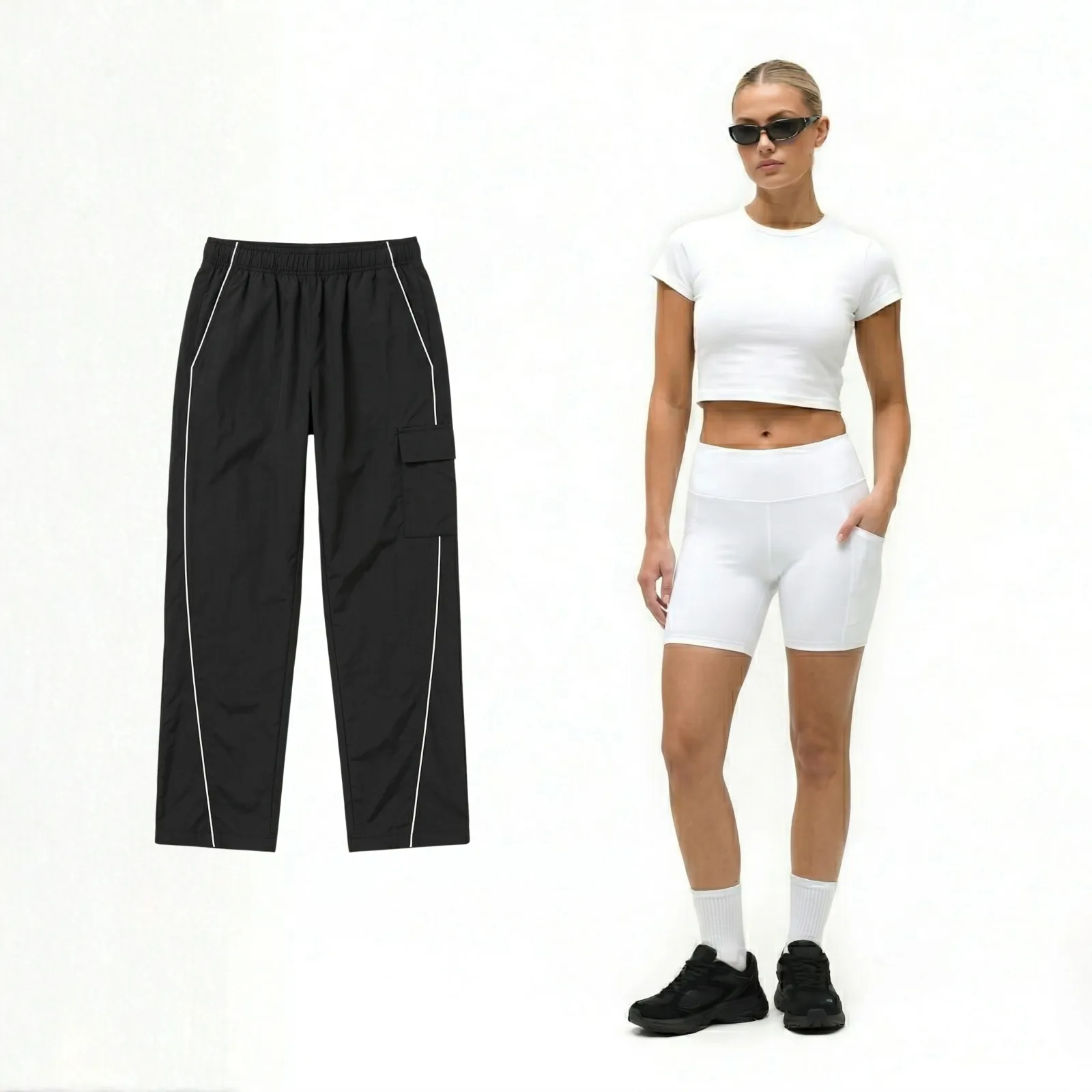
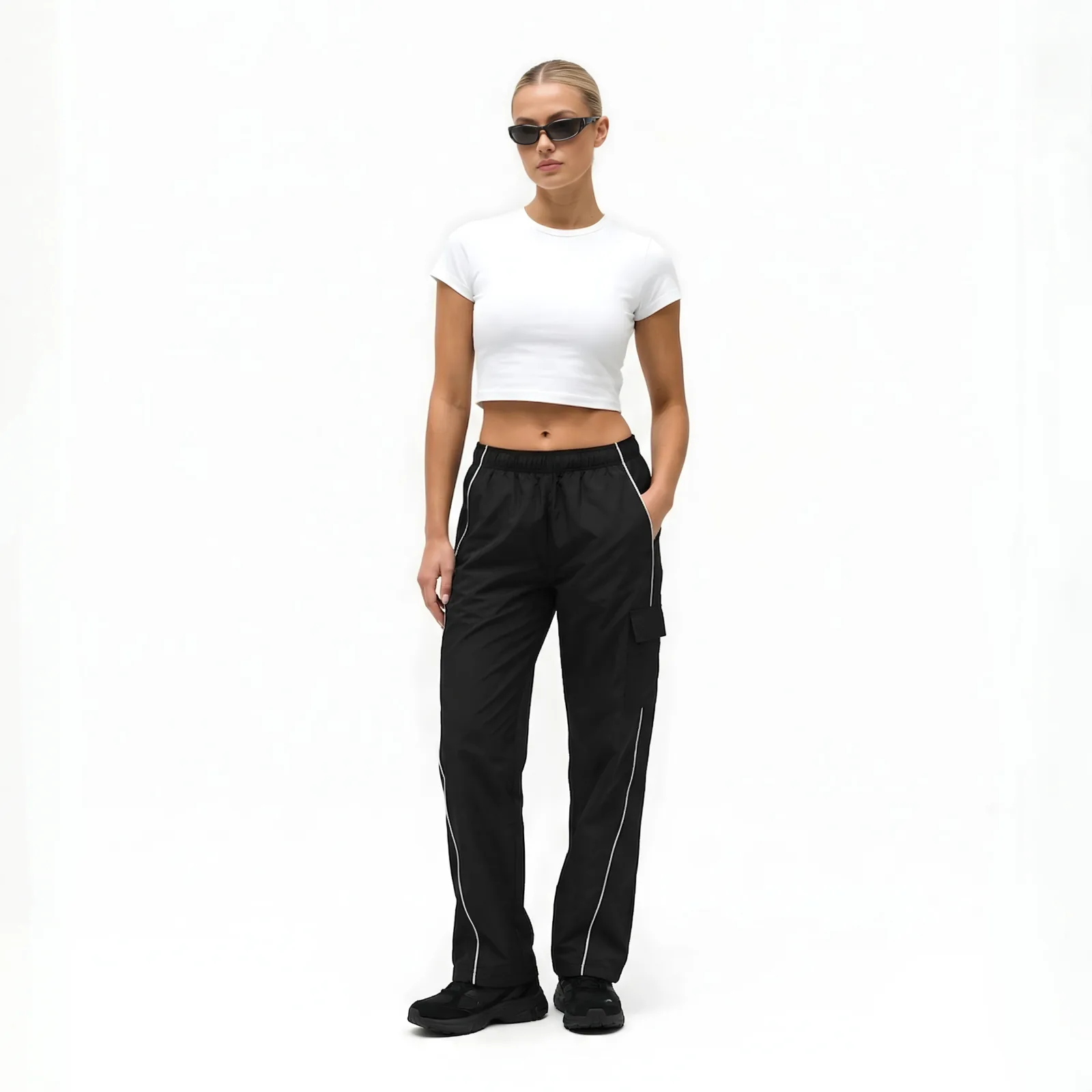
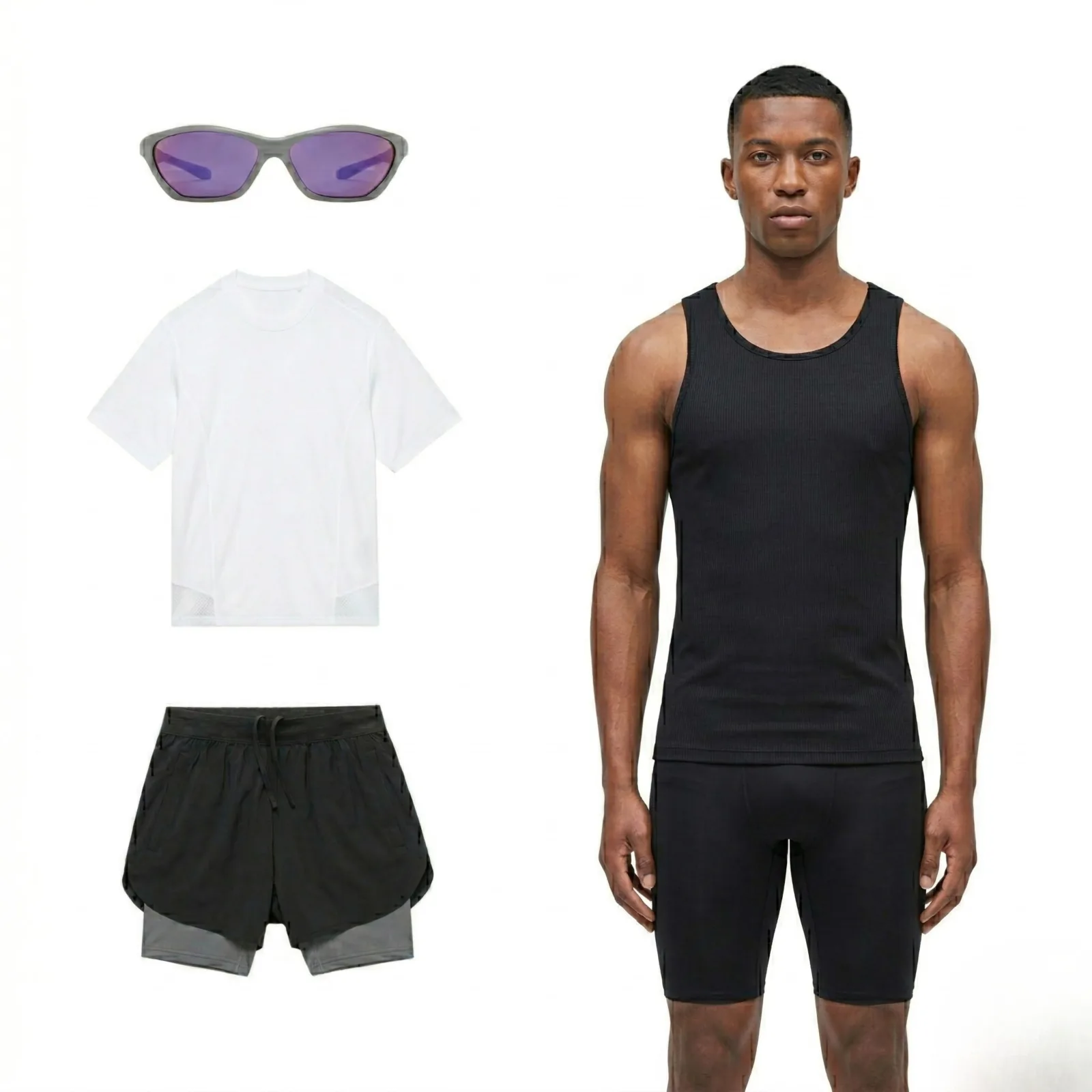
Before: black track pants and model reference laid out separately After: male athlete wearing the generated outfit in a gym scene INPUT ON MODEL MODEL TRY-ON
Before: photo After: flat sketch PHOTO FLAT IMG → SKETCH
Auto-Scrolling · Hover To Control
AI Video Studio

Your Campaign Video. Without The Shoot.

Cast an AI model, dress them, cue the motion. Walk out with a launch-ready video — no studio day, no re-shoots, no problems.

Mira — AI model reference portrait Model
Wool Trench outfit — flat garment references Outfit
LIVE LOOP
Pricing

Simple Pricing. No Surprises.

Start free. Upgrade when you're ready. Cancel anytime.

Tier 01

Starter

$10/mo
Monthly credits

Start creating — perfect for individual designers testing AI workflows.

  • Up to ~22 photo generations / month (at 12 credits each)
  • Virtual Try-On (standard models)
  • Flat Lay Studio
  • Campaign Studio (simplified 3-step shoots)
  • Photo to Sketch (PNG output)
  • Standard generation queue
  • 1K HD web-ready exports
  • Unlimited credit rollover
  • Up to 5 projects
  • 5 GB cloud storage
  • No video generation
  • No SVG sketch output
  • No custom backgrounds
Get Starter
Tier 03

Max

$84/mo
Monthly credits

For teams producing at scale with full creative control.

  • Up to ~111 photo generations / month (at 12 credits each)
  • Everything in Pro, plus:
  • 4K DSLR-quality exports
  • Priority generation queue (fastest)
  • Full model & background library
  • Custom model lookalike (upload reference)
  • Tech Packs (+ password-protected share links)
  • Unlimited projects
  • Team collaboration (up to 5 seats)
  • Best-in-class rendering
  • 2 free regenerations per image
  • 100 GB cloud storage
Get Max
Tier 04

Enterprise

Custom

For teams producing at scale with dedicated support and custom AI.

  • Custom photo generation volume (any tier you need)
  • Everything in Max, plus:
  • Priority support & onboarding
  • Custom credit plans at special rates
  • Custom AI model training (your brand aesthetic)
  • Priority SLA & guaranteed uptime
  • Unlimited team seats
  • Dedicated account manager
Contact Sales
Compare

Opus Designr vs Other AI Tools.

Feature Opus Designr Generic AI Freelance Studio
Fashion-specific AI
Production-ready tech packs
On-model & campaign visuals
Fabric & trim accuracy LOW
Turnaround time MINUTES MINUTES WEEKS
No team required
Copyright-free output
Monthly starting cost STARTING AT $0/MO $60/MO $2K+
The Toolkit

Every Tool. One Platform.
Zero Limits.

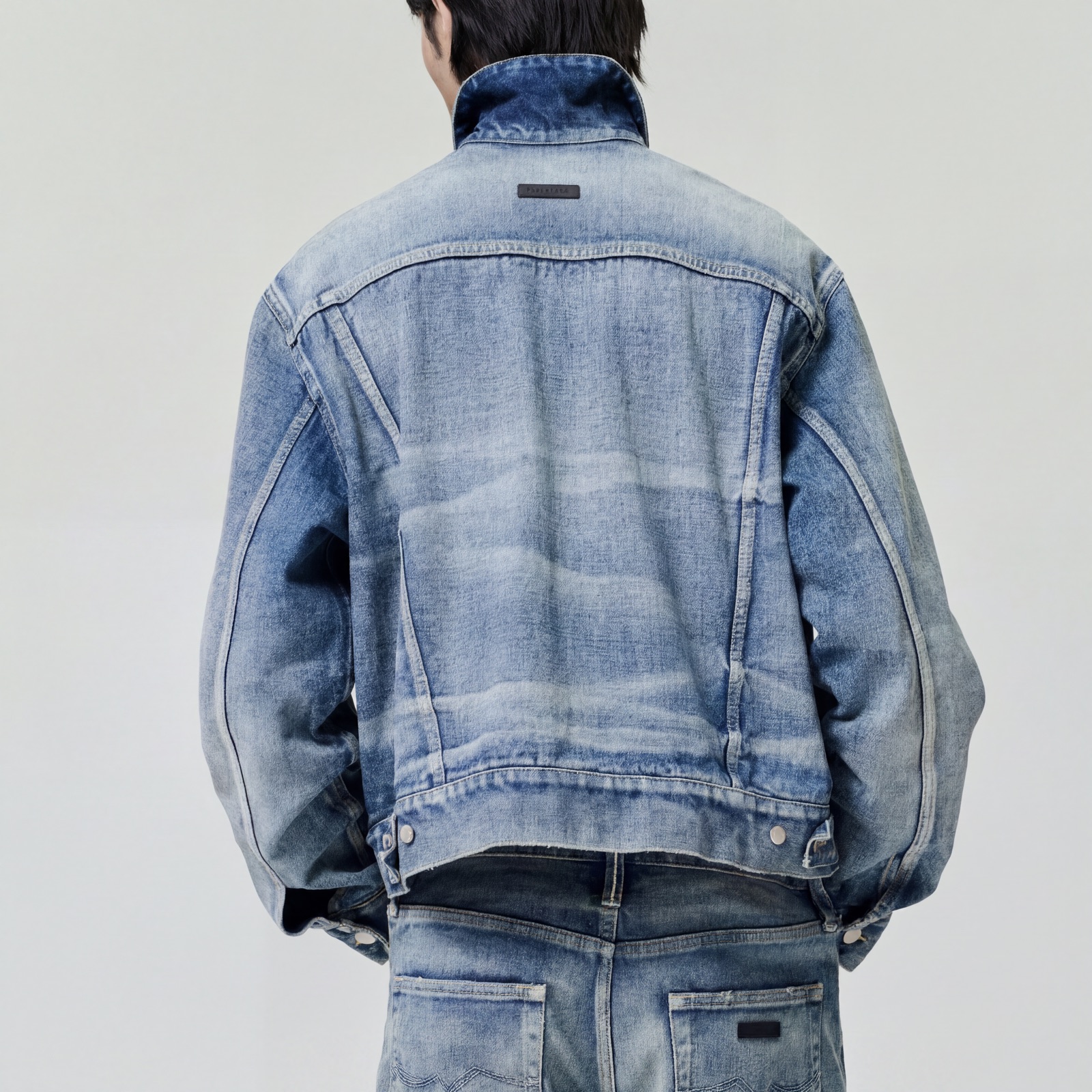
Model wearing AI-generated outfit in a realistic scene FEATURED

AI Visual Studio.

Dress any garment on any model in any setting. Editorial on-figure shots, lookbook scenes, campaign visuals — without a single shoot day.

Open Studio
Photorealistic puffer render from a sketch SKETCH → DESIGN

Sketch To Design.

Turn a flat line drawing into a production-grade render — real materials, real lighting, in seconds.

Try It
Ghost mannequin render on clean studio seamless IMG → GHOST

Ghost Mannequin.

Clean studio flat-lays from any product photo.

Try It
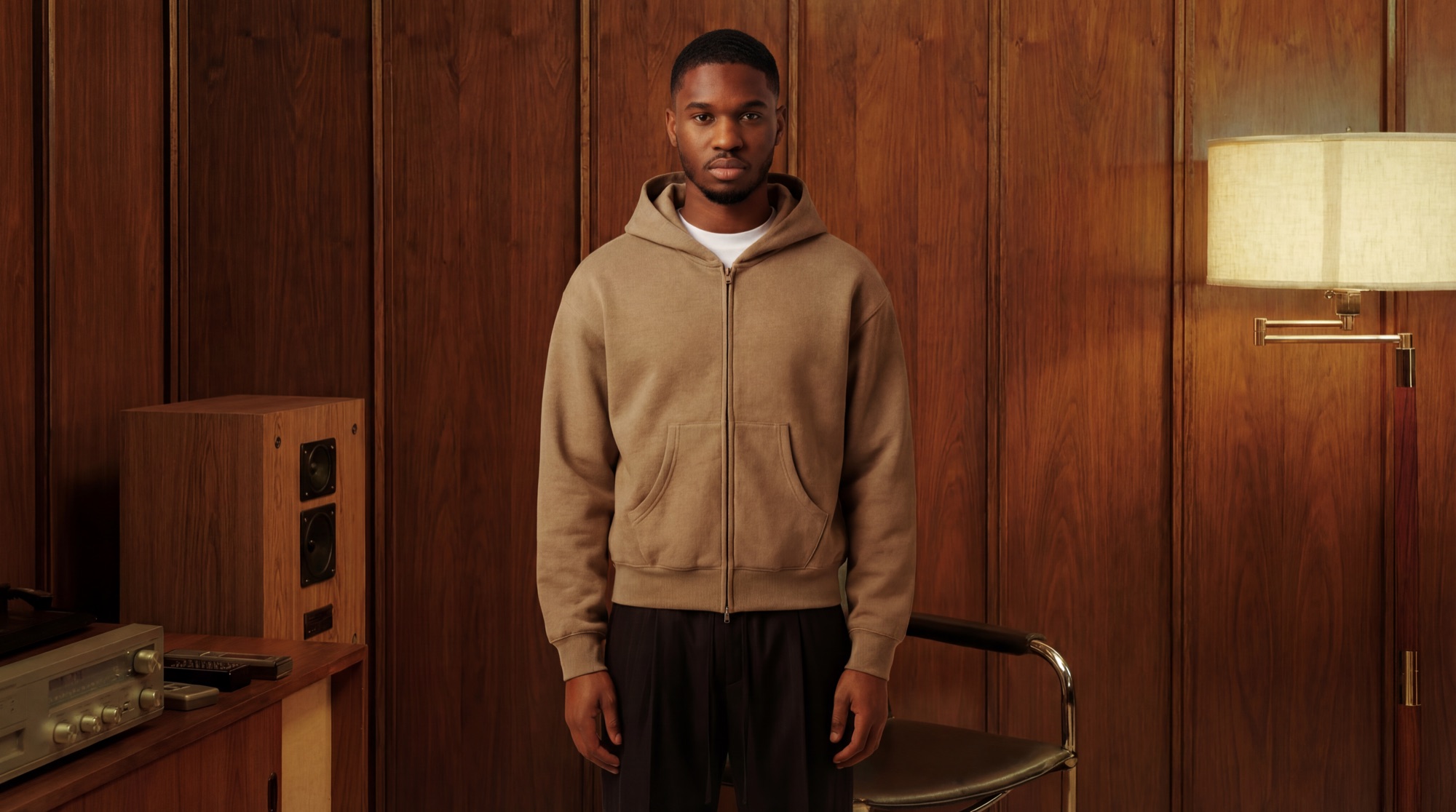
AI model wearing a generated garment MODEL TRY-ON

Model Try-On.

See your garment on a model before a sample exists.

Try It
Flat sketch generated from a product photo IMG → SKETCH

Photo To Flat.

Auto-generate a clean flat sketch from any reference.

Try It
TECH PACK 01/08
STYLEOD-24
FABRIC12OZ
COLOROLIVE
POM32
TECH PACK

Tech Pack Builder.

Factory-ready specs in minutes. POM tools built in.

Build One
Explore All Tools Start Free
FAQ

Frequently Asked Questions.

What is Opus Designr? +
Opus Designr is an AI-powered fashion platform that combines technical design and visual production in one place — from flat sketches and tech packs to on-model visuals and campaign assets.
Do I need design experience to use Designr? +
Not to get started. Designr includes tutorials that walk you through the platform, and the tools are built to meet you where you are.
How is Designr different from other AI tools like ChatGPT or Midjourney? +
Generic AI tools weren't built for fashion — they can't produce a tech pack, they don't understand garment construction, and they weren't trained on it. Designr was.
What kind of outputs does Designr actually produce? +
Two categories: technical assets like flat sketches and tech packs, and visual assets like on-model shots, product renders, ghost mannequin images, and campaign-ready imagery.
Can I use Designr to create a full tech pack? +
Yes. Designr's tech pack builder is built on an industry-standard, manufacturer-ready template — pre-built spec fields, annotation tools, and direct integration with AI asset generation.
What inputs does Designr accept? +
Most of them — hand-drawn sketches, digital files, photos, phone snaps, or a text prompt. Start from whatever you already have.
Are the AI models and scenes copyright-free? +
Yes. All AI-generated models and scenes are copyright-free. You own the outputs and can use them across marketing, e-commerce, and production without licensing concerns.
Is Designr built for the stage I'm at? +
Designr is built for the full range — fashion students, independent designers, early-stage founders, freelancers, and scaling brands. If you're developing a clothing brand or building a design practice, the platform has tools for where you are right now.
How accurate are Designr's outputs for real production use? +
Technical outputs — flat sketches and tech packs — are built for production use. Visual outputs — renders, on-model shots, campaign imagery — are built for visualization, presentation, and marketing.
How do I get started? +
Sign up with your email to activate your free trial. You'll get a set number of credits to explore the platform's tools before choosing a plan.
What types of fashion products does Designr support? +
All clothing categories, plus footwear, accessories, and jewelry.
Can I use Designr to produce content for marketing, not just production? +
Yes — and that's one of Designr's core advantages. You don't need a photoshoot to produce marketing content. You need a concept and Designr.
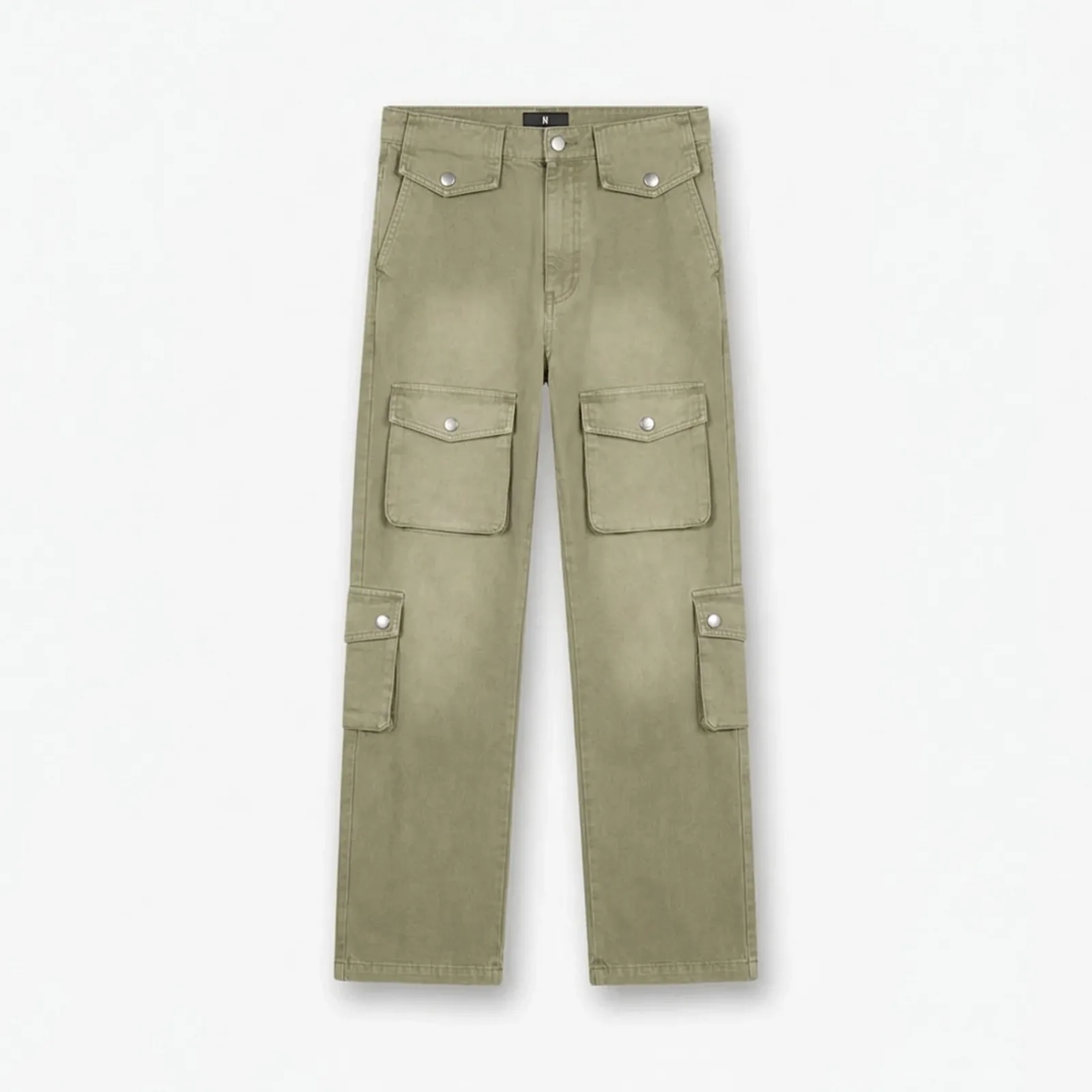
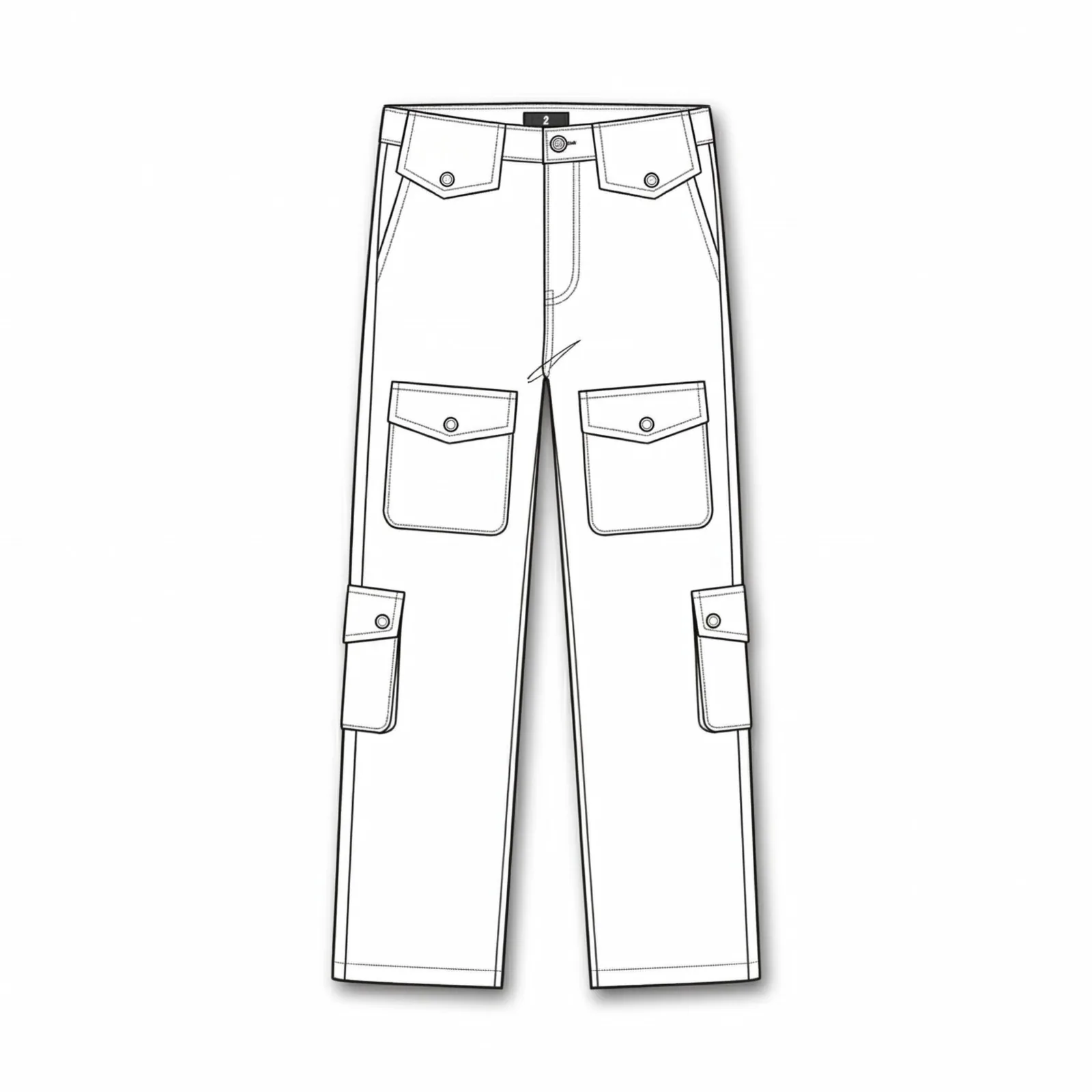
Ready To Build Your Next Concept?

Try Opus Designr For Free
No card required. · Cancel anytime.